Difference between revisions of "Manuals/calci/Clean"
Jump to navigation
Jump to search

(Created page with "<div id="1SpaceContent" align="left"><div>100%px|http://store.zcubes.com/35E61832E0574D0F9007B2C89F0CC7D6/Uploaded/Clean3.jpg</div></div> ---- <div id="...") |
(No difference)
|

Latest revision as of 01:02, 7 November 2013


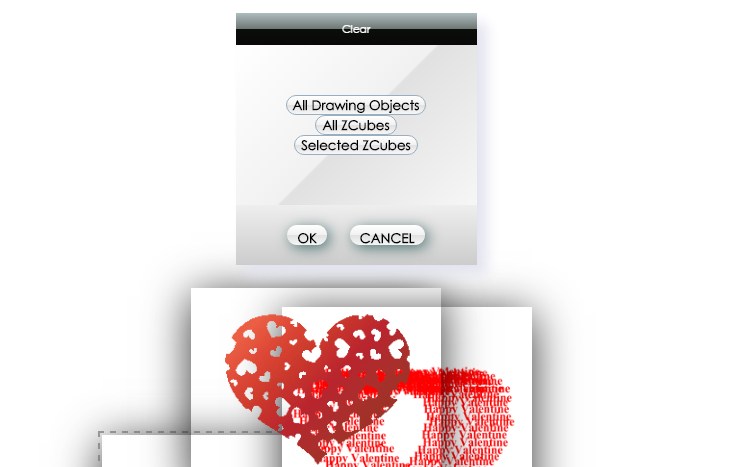
Clears the Inlay from the background.
|
1. Create an Inlay to the background. |
3. The Inlay will be cleared from the background..
2. Right click on the ZSpace and click 'Clean'.