Manuals/calci/Effects
Jump to navigation
Jump to search
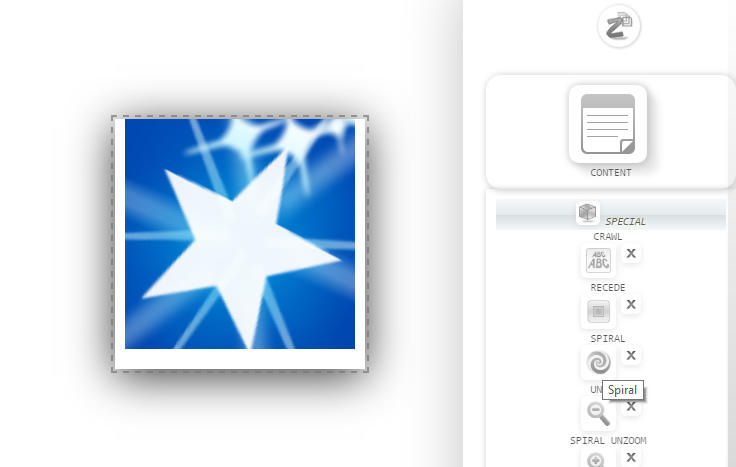
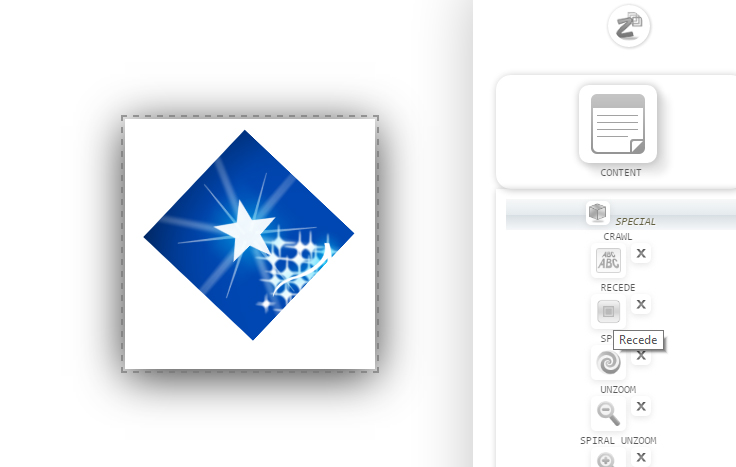


Apply Radial or Rectangular effect to a ZCube.
|
1. Create a ZCube. Right click on the ZCube and click 'Radial'. |
4. Mouse over the ZCube to see the rectangular effect. To cancel the effect, right click on the ZCube and click 'None'. Now, mouse over the ZCube will not show any effect.
3. Right click on the ZCube and click 'Rectangular'.
2. Mouse over the ZCube to see the radial effect.