Manuals/calci/Zhelp insert block 24092007
Jump to navigation
Jump to search

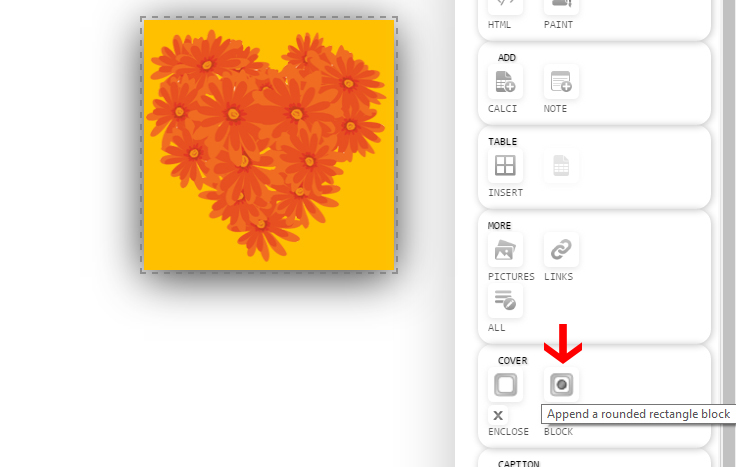


Insert block appends a rounded rectangular block.
1. Create a ZCube. Drag and Drop a picture and write something to the ZCube. Right click on the ZCube and click 'Insert Block'.
2. A rounded rectangle is appended around the ZCube. Click on 'Enter a Title/Enter Text Here' to modify the title name and any additional text which that needs to be specified.
Note 1:To remove the block right click on the ZCube and click 'Reset Enclosure or block'.